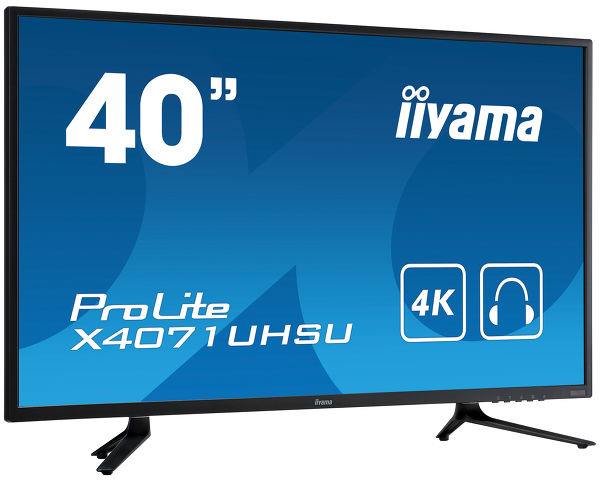
ProLite X4071UHSU-B1 (EOL)
Stylish 40” screen with 4K resolution and USB hub
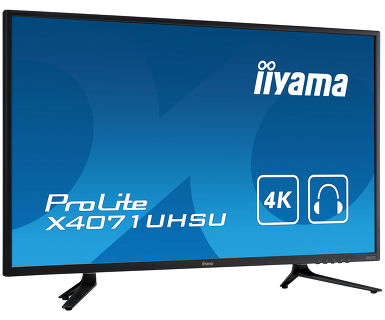
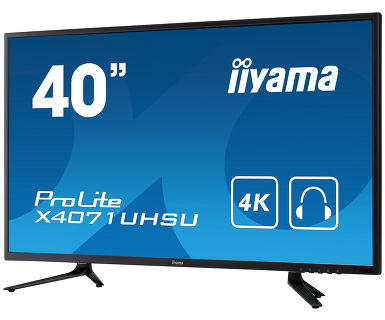
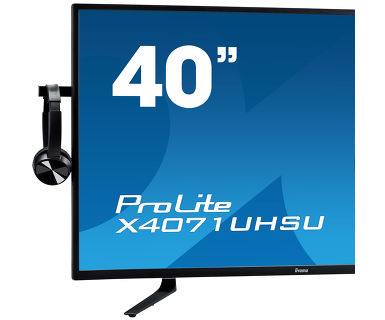
The ProLite X4071UHSU-B1 is an impressive 4K (3840 x 2160) monitor, offering a gigantic viewable area with 4 times more information and work space than a Full HD screen. Due to the high DPI (dots per inch) the monitor displays an incredibly sharp and crisp image. The VA panel technology offers exceptional colour performance, high contrast (5000:1) and wide viewing angles. PIP and PBP features allow users to easily create their own work space by displaying and manipulating multiple applications. USB 3.0 HUB, integrated speakers, headphone socket and hook, ensure compatibility across various devices and media platforms for a real multimedia experience. The ProLite X4071UHSU-B1 suits a massive range of applications including desktop publishing, CAD/CAM drawing, gaming, photographic and web design.
-
4K
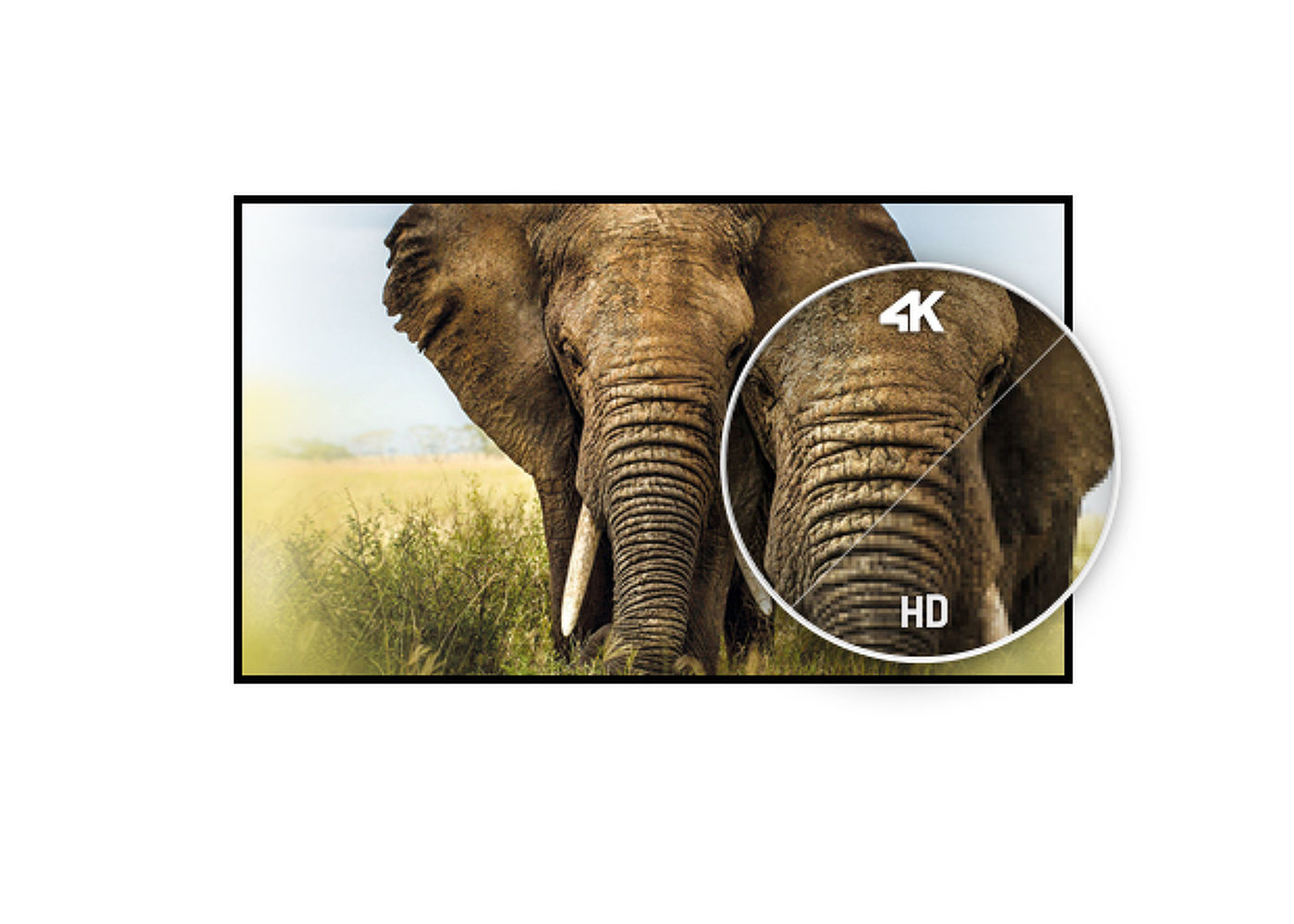
UHD resolution (3840x2160), better known as 4K, offers a gigantic viewable area with 4 times more information and work space than a Full HD screen. Due to the high DPI (dots per inch), it displays an incredibly sharp and crisp image.
-
MVA
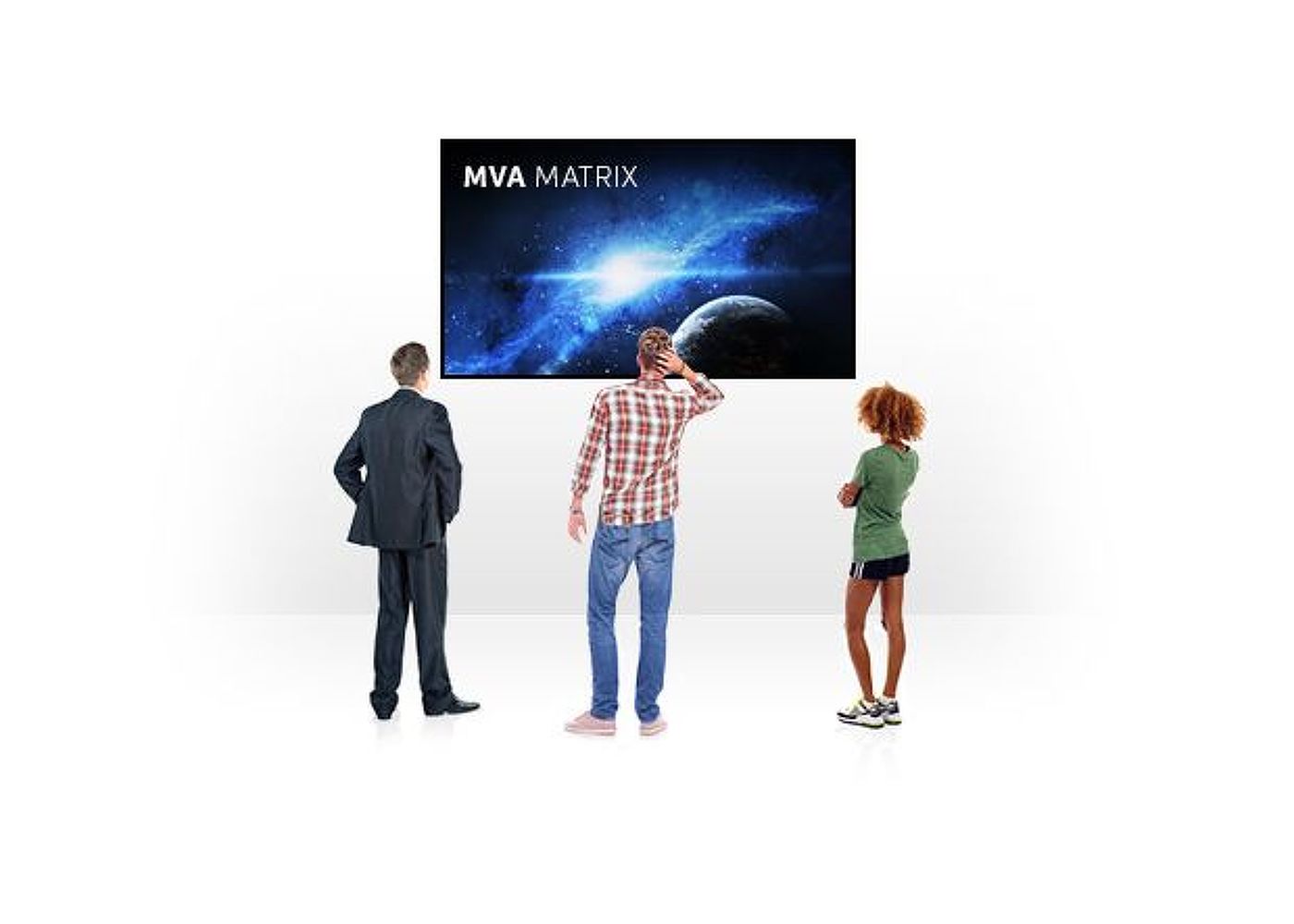
MVA technology offers higher contrast, darker blacks and much better viewing angles than standard TN technology. The screen will look good no matter what angle you look at it.
-
PIP
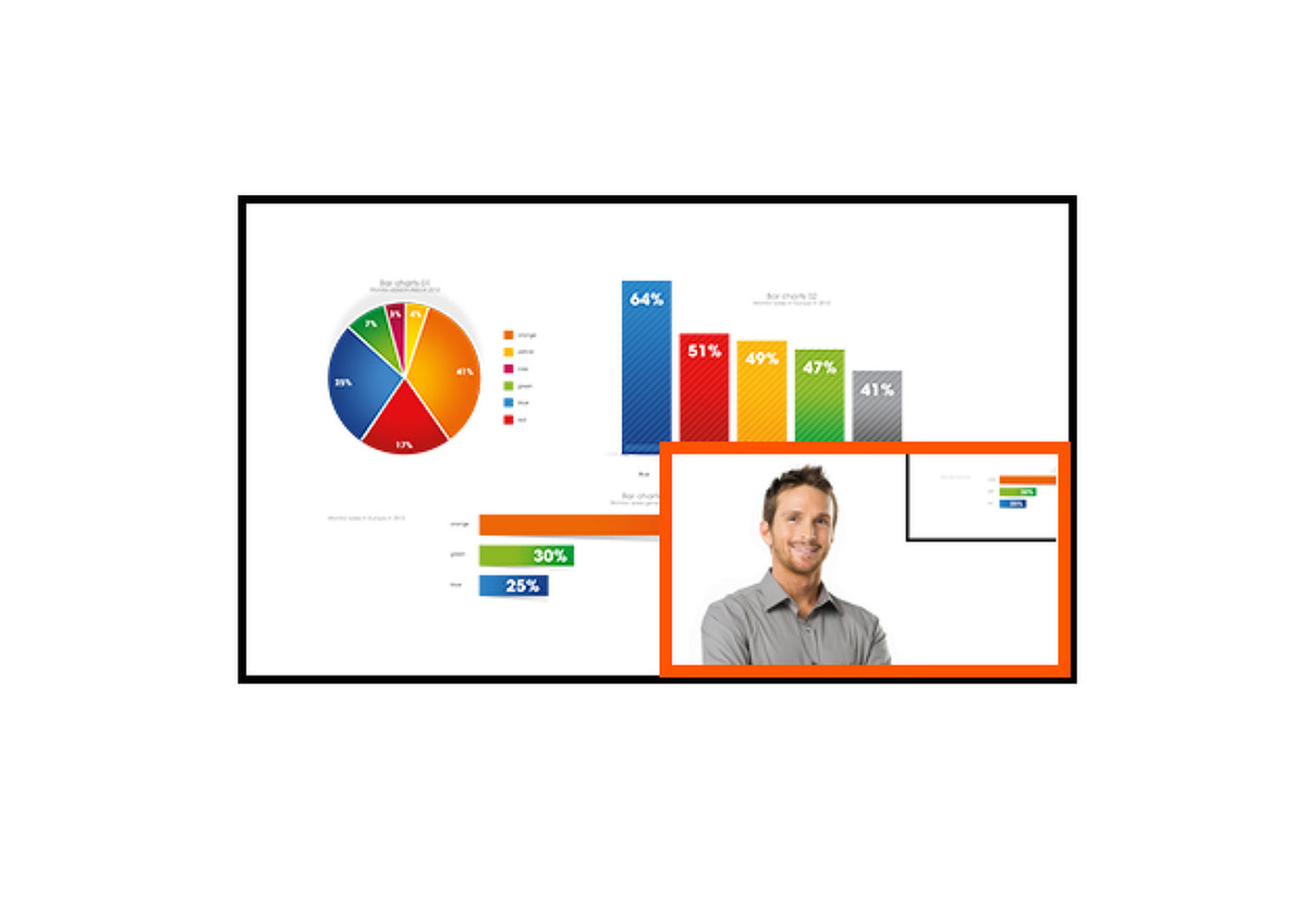
PIP (Picture in Picture) function allows you to watch images coming from two different sources at the same time.
-
Speakers and headphones
Playing with friends? Use the integrated high-quality speakers. Don’t want to disturb anybody? Plug your headset into the headphone socket and turn the volume up.
-
Blue light reducer
As we all know looking at a monitor screen for several hours per day, especially form a closer distance, causes eye fatigue. This effect is much stronger with computer screens than with TV equipment. One of the factors responsible for this phenomenon is the blue light emitted by the screen. Therefore reducing the amount of blue light ultimately allows our eyes to feel less tired while working long hours with a computer screen. We achieved it by adjusting the monitor's brightness and color temperature through a new feature called “Blue light reduction” easily accessible through the monitor’s OSD menu.
Video
three-sixty view
Technical specification


DISPLAY CHARACTERISTICS
| Diagonal | 39.5", 100.3cm |
| Panel | MVA LED, matte finish |
| Native resolution | 3840 x 2160 (8.3 megapixel 4K UHD) |
| Aspect ratio | 16:9 |
| Panel brightness | 350 cd/m² |
| Static contrast | 5 000:1 |
| Advanced contrast | 12M:1 |
| Response time (GTG) | 3ms |
| Viewing zone | horizontal/vertical: 178°/178°, right/left: 89°/89°, up/down: 89°/89° |
| Colour support | 1.07B 10bit (sRGB: 120%, NTSC: 86%) |
| Horizontal Sync | 30 - 135kHz |
| Viewable area W x H | 878.11 x 485.35mm, 34.6 x 19.1" |
| Pixel pitch | 0.229mm |
| Colour | matte |
INTERFACES / CONNECTORS / CONTROLS
| Signal input |
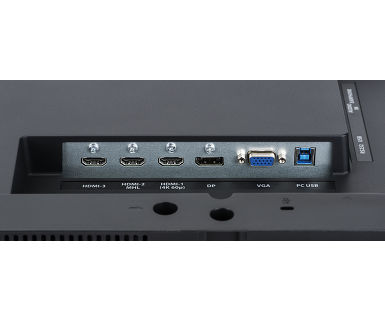
VGA x1 (max. 2048 x 1152 @60Hz) HDMI x2 (HDMI1: max. 3840 x 2160 @60Hz, HDMI2: max. 3840 x 2160 @30Hz, 2560 x 1440 @60Hz, 1920 x 2160 @60Hz, HDMI3: max. 3840 x 2160 @30Hz, 2560 x 1440 @60Hz, 1920 x 2160 @60Hz) DisplayPort x1 |
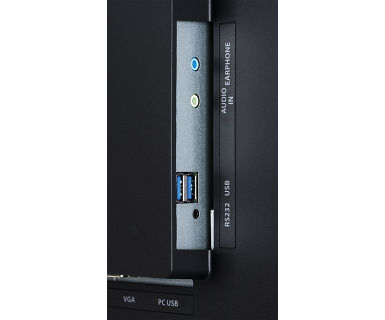
| USB HUB | x2 (v.3.0) |
| HDCP | yes |
| Headphone connector | yes |
FEATURES
| Blue light reducer | yes |
| Extra | PiP, PbP |
| OSD languages | EN, DE, FR, IT, CN, RU, JP, CZ, NL, PL |
| Control buttons | Power, Input/Select, Up, Down, Menu |
| User controls | input, picture (picture format, brightness, contrast, sharpness, OD, Adv. contrast, ECO mode, X-Res technology), PiP/PbP (PiP/PbP mode, sub win input, PiP size, PiP position, swap), audio (volume, mute, audio input), color (warm, normal, cool, user color, i-Style color, blue light reducer), language, OSD settings (OSD H. position, OSD V. position, OSD background, OSD time out), setup menu (geometry, DP format, HDMI1 format, opening logo, LED, auto pow. off, memory recall, information) |
| Speakers | 2 x 6W |
| Convenience | Kensington-lock™ prepared, DDC2B, Mac OSX |
MECHANICAL
| Display position adjustments | tilt |
| Tilt angle | 7° up; 4° down |
| VESA mounting | 200 x 200mm |
ACCESSORIES INCLUDED
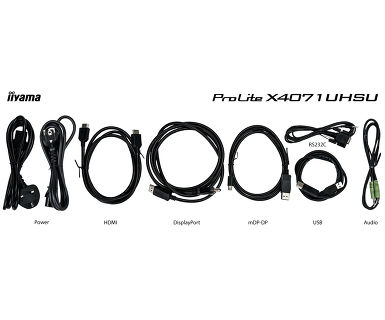
| Cables | power, USB, HDMI, Audio, mDP - DP, DP |
| Other | quick start guide, safety guide |
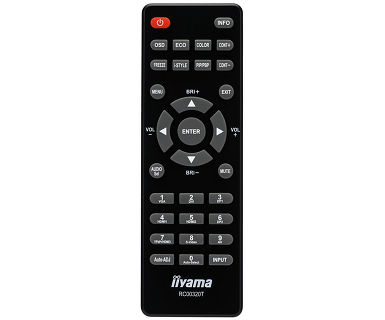
| Remote control | yes |
POWER MANAGEMENT
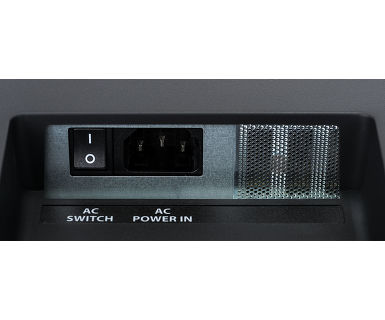
| Power supply unit | internal |
| Power supply | AC 100 - 240V, 50/60Hz |
| Power usage | 60W typical, 0.5W stand by, 0.5W off mode |
SUSTAINABILITY
| Regulations | CE, TÜV-Bauart, VCCI-B, PSE, RoHS support, ErP, ENERGY STAR®, WEEE, CU, REACH |
| EPEAT Silver | EPEAT is a comprehensive environmental rating that helps identify greener computers and other electronic equipment. The Silver certification means the monitor meets all required criteria plus at least 50% of the optional requirements. EPEAT Silver is valid in countries where iiyama registers the product. Please visit www.epeat.net for the registration status in your country. |
| REACH SVHC | above 0.1%: Lead |
DIMENSIONS / WEIGHT
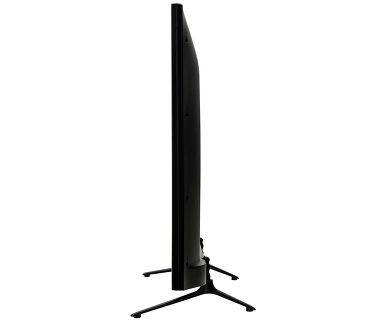
| Product dimensions W x H x D | 906.5 x 577 x 238.5mm |
| Weight (without box) | 12.2kg |
| EAN code | 4948570114344 |
RELATED INFORMATION
| Related products | MD 062B7275 A |
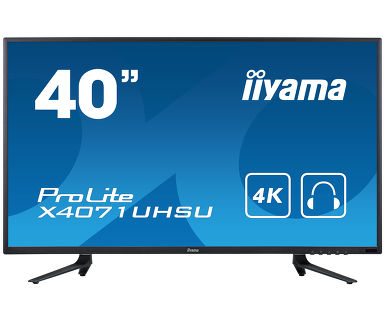
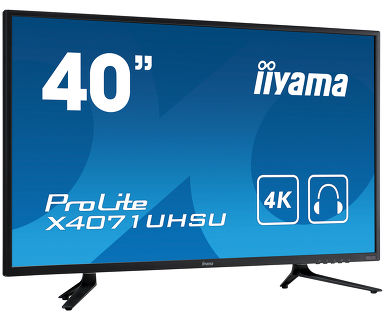


Awards


PC Revue 12/2016 SK ProLite X4071UHSU

Related products
Downloads
| User manual | X4071UHSU-usermanual-e-revF.pdf | Download |
| Technical specification | ProLite X4071UHSU-B1 - en.pdf | Download |
| Drawing | X4071UHSU_changed_stand.pdf | Download |
Drivers/ Firmware / Software
| X4071_LE4041_RS232Serial Communication Control Specification | X4071_LE4041_RS232Serial Communication Control Specification.zip | Download |
| COLOUR PROFILES INF&ICC 13 | COLOUR PROFILES INF&ICC 23.12.2025.zip | Download |
Other
| COLOUR PROFILES INF&ICC 13 | COLOUR PROFILES INF&ICC 23.12.2025.zip | Download |

